
Associative Trails / about
Intranet application development
We develop and maintain intranet applications for clients based in the UK.
We can help out during all the stages of intranet application development - from strategy, requirements capture, paper/html prototyping, specification, information architecture and usability; to server and client side development, SQL Server, Oracle or open source databases, accessibility, web standards, hosting and technical deployment.
An intranet application development project will include some or all of the following steps:
Kickoff
Initial discussions about the goals of your application, who the intended audience is, etc. From our base in Kent, the high-speed rail link gets us to anywhere close to London in double-quick time.
Proposal
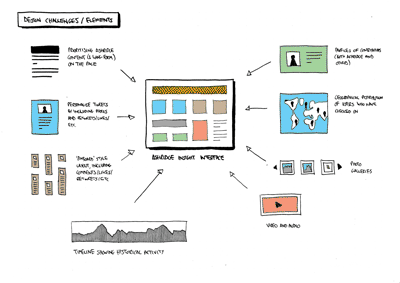
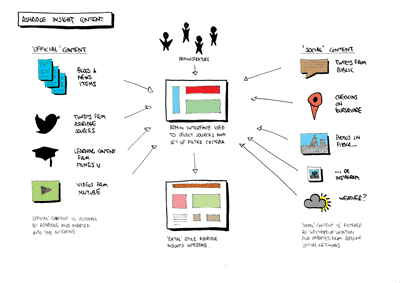
We write a proposal document, sketching out general ideas for the intranet application and estimating costs and timescales.
Contract
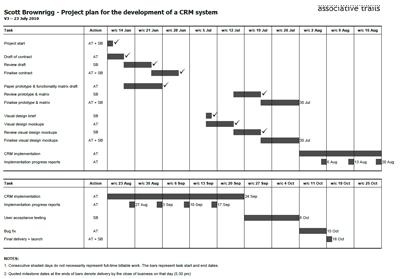
We sign a contract (between client and developer) to ensure all parties know their responsibilities and what is expected of them.
We often like to use a secure extranet to improve communications during the project and will provide a project programme setting out key stages and deliverables.
Eckersley O'Callaghan Intranet
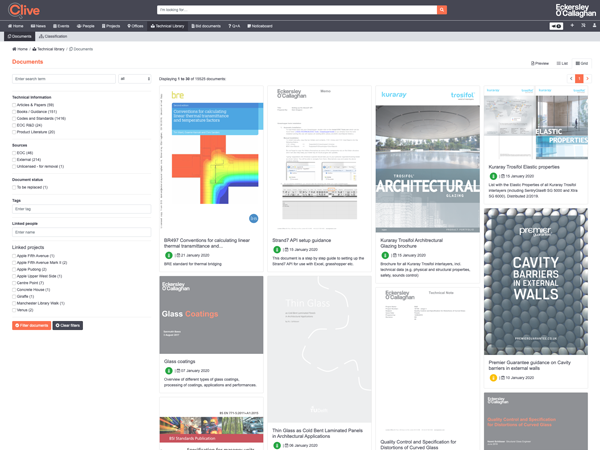
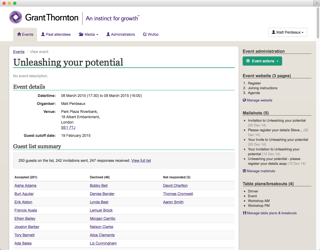
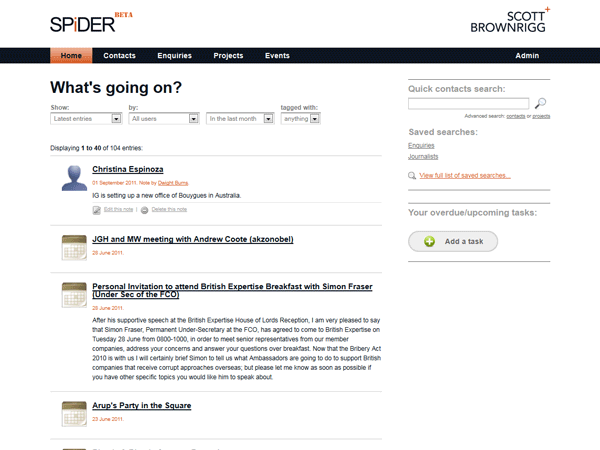
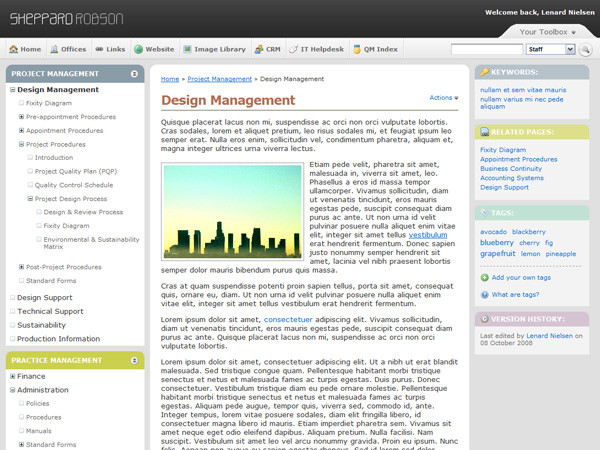
A self-populating technical library that grew into a comprehensive company-wide information portal for one of the UK's most accomplished engineering specialists.
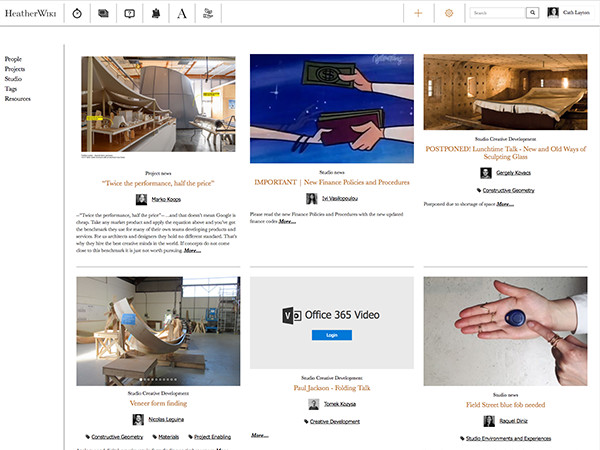
Heatherwick Studio Intranet
A bespoke company intranet for one of the UK's top design studios.
Prototype
A prototype is a quick and efficient way of working out the key templates and important workflows of the intranet application.
Depending on the project requirements and budget, a static HTML prototype will allow us to explore a handful of key pages (e.g. home page, listing page, item page, search results, etc.) and lay them out exactly how they will appear in the final application. This enables good quality feedback on visual design, content hierarchy, layout for different devices (responsive design), etc. which can then be fed back into the design process.
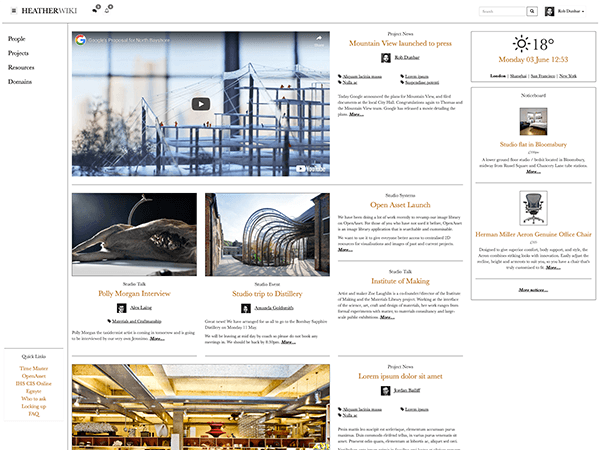
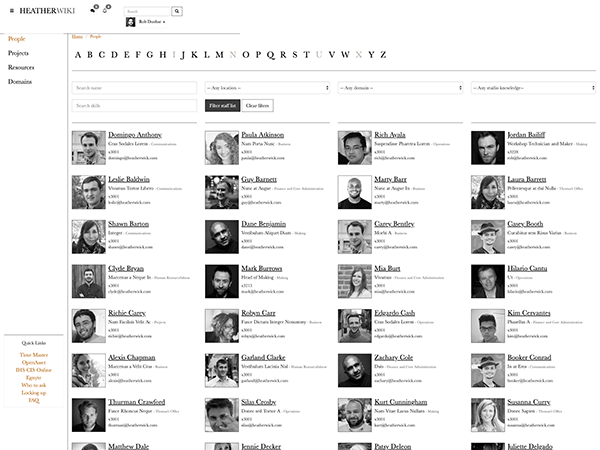
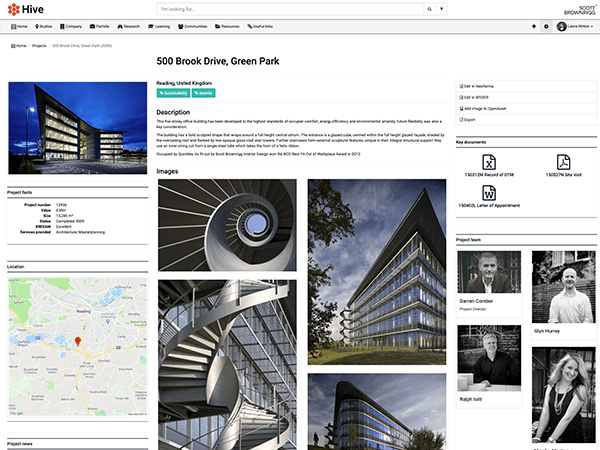
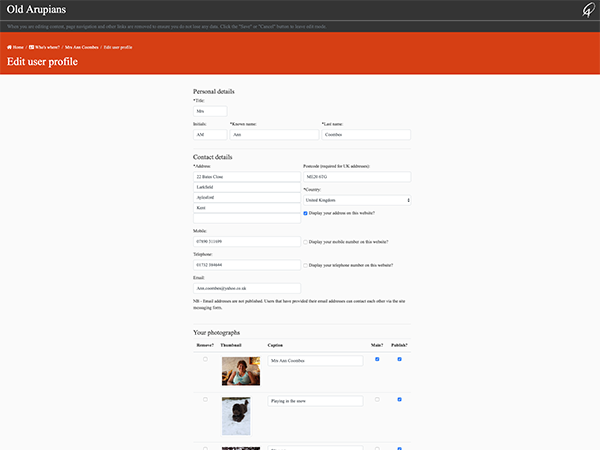
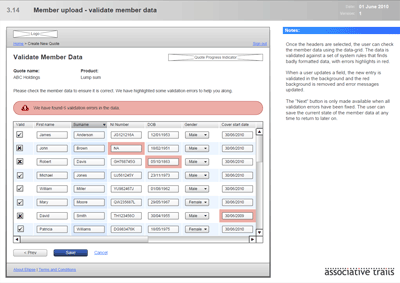
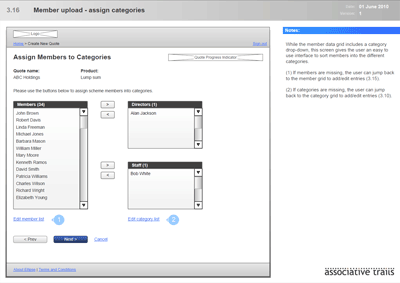
Sometimes, a project's programme or budget may mean we also produce a paper protoype - this allows us to consider a larger volume of sample screens and explore workflows more fully.
Written specification
If the project would benefit, we will also provide a written functional specification document.
Development
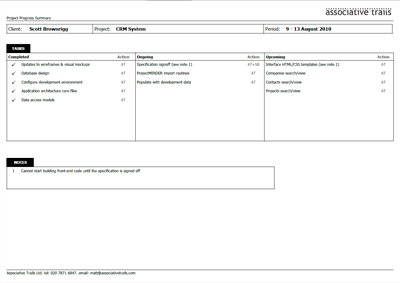
Once the prototype and functional specification are signed off, we retreat to our Kent-based lair to develop the intranet application. We provide regular progress updates during this stage.

Testing
When it is ready, we distribute links and security access to the intranet application to key client stakeholders for testing.
Launch
When everyone is happy with it, we launch the intranet web application.
Ongoing support
We can provide ongoing support for intranet application via secure remote access to the client's network.
Interested?
If you would like to discuss the development of your intranet application with us, please do not hesitate to get in touch.
Get in touch